Meta · 2026-10-02 · major
Muse Gadgets — Meta open-sources SDKs to build hardware for Muse
Muse Gadgets is Meta's open-source firmware and SDK kit for connecting ESP32 boards and Raspberry Pis to its Muse agent. US Muse subscribers can also claim a free Muse Home Link Wi-Fi dongle, shipping in October.
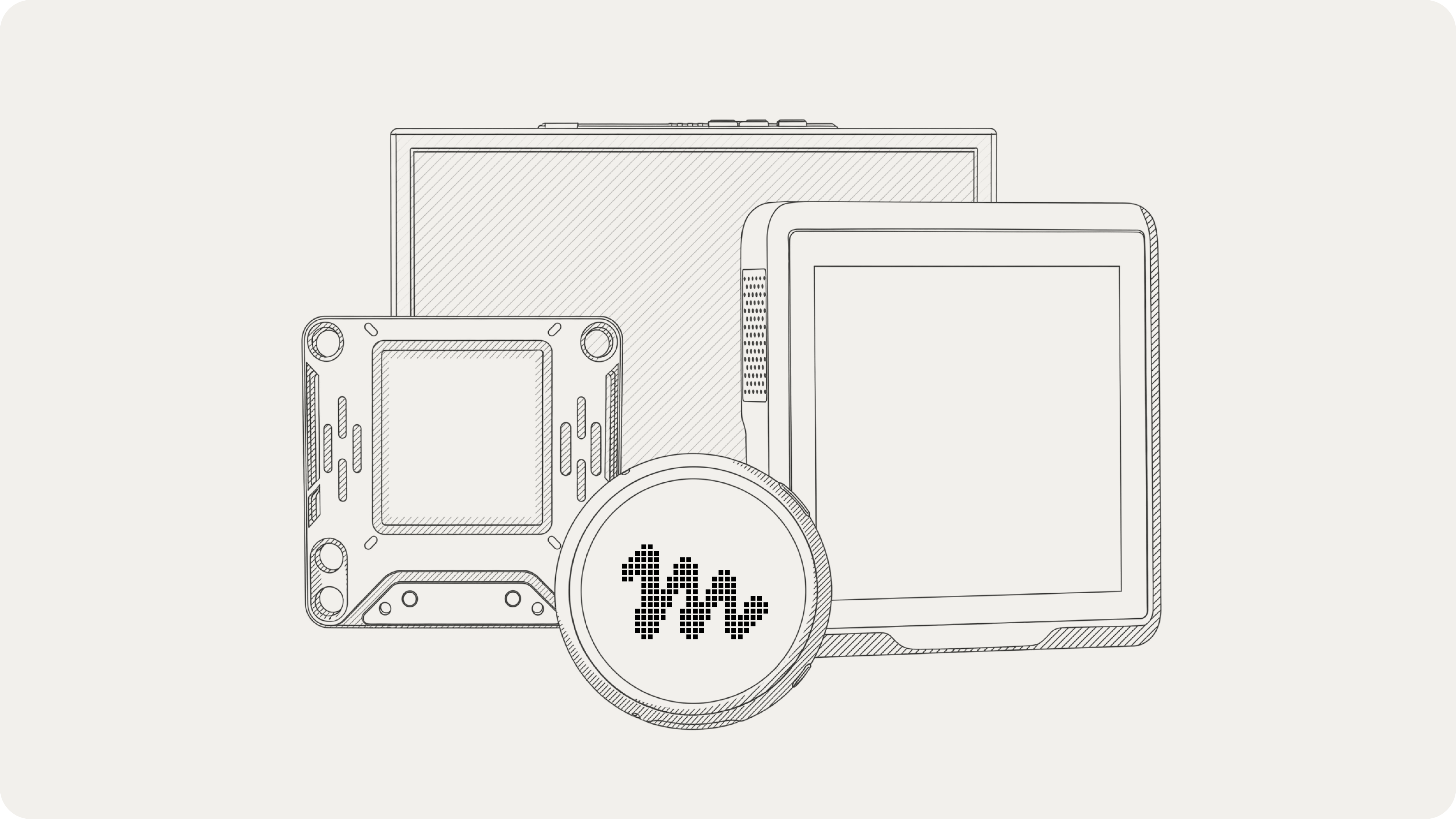
Meta's open-source kit turns ESP32 boards and Raspberry Pis into devices its Muse agent can see, hear and control.
Key specs
| GitHub stars | 431 |
|---|
Quick facts
| Maker | Meta |
|---|---|
| License | Apache-2.0 (Jollybot avatar excluded) |
| SDKs | ESP32 Device SDK + Linux Device SDK |
| Linux hardware | Raspberry Pi 3B+, 4, 5, Zero 2 W or Linux box |
| Muse Home Link | Free ESP32-C5 dongle, US subscribers, one each |
| Requires | SDK token + Muse app in Developer mode |
What is it?
Muse Gadgets opens Meta's Muse personal agent to home-built hardware. The GitHub repo ships two SDKs under Apache-2.0: ESP32 firmware for small boards with screens, microphones, speakers and sensors, and a Linux SDK that turns a Raspberry Pi into a gadget Muse can send commands to.
How does it work?
A gadget pairs over Bluetooth through the Muse mobile app using an SDK token from gadgets.muse.ai. The Linux service exposes system.run, file.read, file.write and device.health to Muse, and builders can add their own commands. The ESP32 firmware is built with ESP-IDF v6.0.1, or with Meta's Muse Code agent using the repo's AGENTS.md files.
Why does it matter?
Hardware hackers get a supported way to give an AI agent a physical presence — a desk display, a push-to-talk button, a Home Assistant bridge — without reverse-engineering a closed device. The free Home Link dongle also lets Muse reach existing smart home gear on the local network.
Who is it for?
makers, ESP32 and Raspberry Pi hobbyists, smart-home tinkerers
Frequently asked questions
- Is the Muse Home Link free?
- Muse Home Link is free with an active Muse subscription in the United States only, limited to one per subscriber. Meta says the USB-C dongle ships in October on a first come, first served basis. It is built on an Espressif ESP32-C5 chip with Wi-Fi 6 and runs firmware based on the open-source ESP32 Device SDK.
- Which boards work with Muse Gadgets?
- The Muse Gadgets ESP32 Device SDK supports fifteen boards, from simple status lights to full touch UIs with push-to-talk, including Waveshare AMOLED displays, M5Stack devices and the Home Assistant Voice Preview Edition. The ESP32-C5 DevKitC-1 is the recommended starter board. The Linux Device SDK runs on a Raspberry Pi 3B+, 4, 5 or Zero 2 W, or another Linux machine.
- Can Muse control my smart home devices?
- Muse can reach smart home devices through a Muse Home Link or a Linux gadget on your network. The Home Link joins your Wi-Fi so Muse can talk to devices with a local HTTP API, and community skills add integrations such as Philips Hue, Sonos, Apple TV, Google Nest and Samsung TVs. Meta warns these skills are community-built and can change or break.
- What do I need before I can pair a Muse gadget?
- Every Muse gadget needs an SDK token from gadgets.muse.ai before it can pair, and Meta asks builders to accept the Gadget SDK Terms. Pairing happens in the Muse app on iOS or Android under Settings > Devices, after turning on Developer mode, where gadgets appear with a "MuseGadget" name prefix.
Try it
bash install.sh --sdk-token <your token> (Linux SDK, after downloading install.sh from the repo)